Logical diagram
Internet
   |
Firewall
   |
Core L3 Switch
 |      |       |
VLAN10 VLAN20  VLAN30
Users  Voice   Servers
 |             |
Access SWs    Server SW

View a network design report sample with campus topology, branch connectivity, IP planning, security zones and professional diagram notes.
These mockups show the type of topology, table and packet-capture evidence that can make a networking report easier to understand.
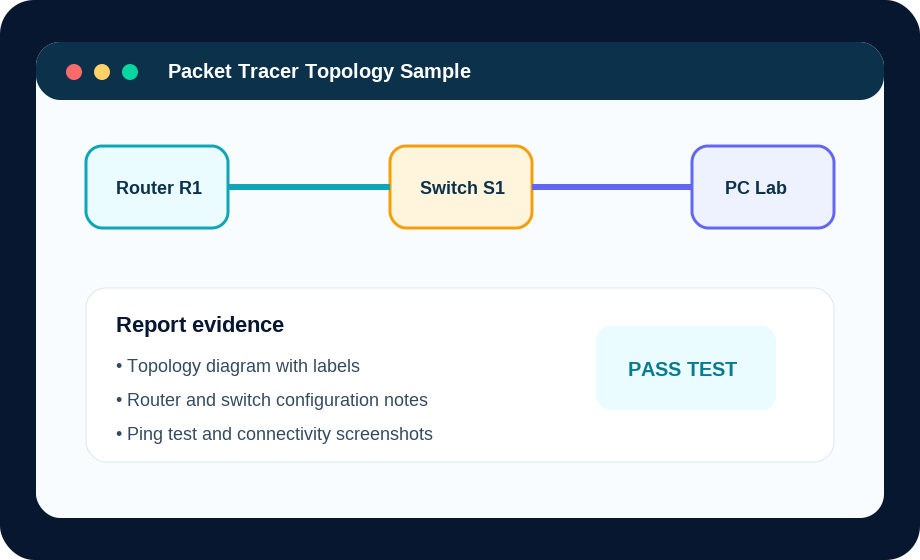
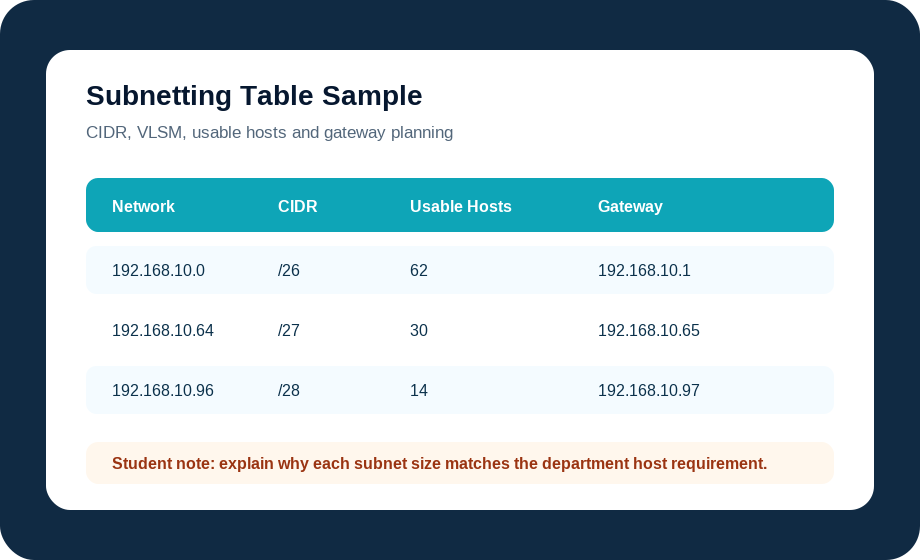
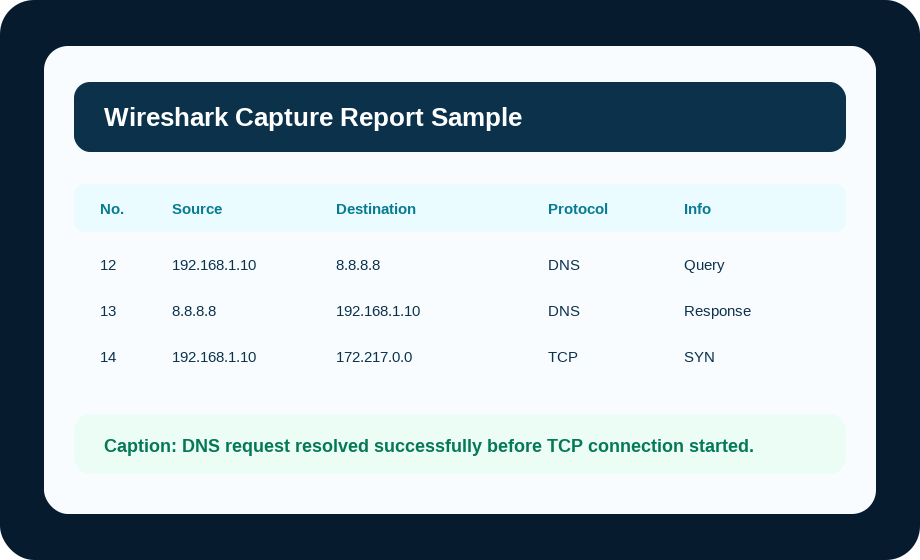
This example separates users, voice and servers so the written report can justify segmentation, gateways and policy boundaries.
Internet | Firewall | Core L3 Switch | | | VLAN10 VLAN20 VLAN30 Users Voice Servers | | Access SWs Server SW
Separate VLANs reduce broadcast scope and create clear policy boundaries. Inter-VLAN routing occurs at the Layer 3 core, while Internet-bound traffic crosses the firewall.
| Segment | Example subnet | Gateway | Purpose |
|---|---|---|---|
| VLAN 10 Users | 10.10.10.0/24 | 10.10.10.1 | Staff/client endpoints |
| VLAN 20 Voice | 10.10.20.0/24 | 10.10.20.1 | IP telephony |
| VLAN 30 Servers | 10.10.30.0/24 | 10.10.30.1 | Internal services |
This page is a sample-style guide for students. It does not reveal private student work, but it shows the type of structure and evidence a clean networking assignment can include.
Start with the assignment goal, tool requirement, network scenario and expected deliverables.
Explain devices, addresses, protocols, topology, policies or simulation settings used in the task.
Add screenshots, command outputs, packet captures, tables, graphs or testing notes.
Connect the results back to the rubric with short, readable student explanations.
Students usually need more than plain theory. A strong answer should include useful structure, practical evidence, and explanation that matches the assignment brief.
| Sample part | Purpose | Student benefit |
|---|---|---|
| Scenario | Explains the network problem. | Shows the marker what the task is solving. |
| Diagram or table | Organizes devices, addresses or policies. | Makes the answer easier to follow. |
| Testing evidence | Shows that the solution was checked. | Adds credibility to the report. |
| Discussion | Explains results in simple language. | Helps students understand the technical work. |
Use these links to move from this sample page to the exact assignment help topic.
